
NMVTIS Database: What VIN Verifiers Actually Check
October 18, 2025
VIN Tampering Detection: What Inspectors Look For
October 18, 2025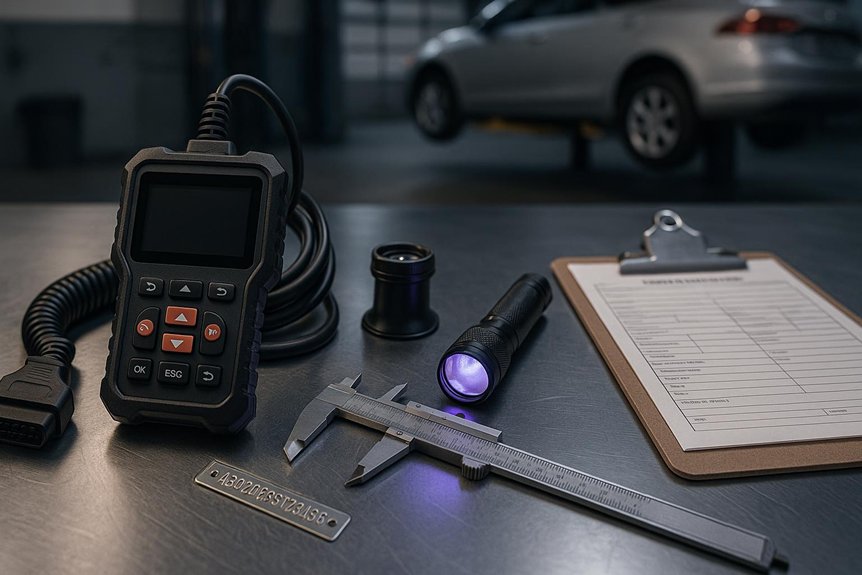
You need a compact, rugged kit: a high-intensity LED flashlight, durable inspection mirror, UV/blacklight, digital borescope, secure VIN scanner, and a reliable mobile app. Use the light and mirror to find plates, the borescope for hidden stampings, UV to spot security inks, and your camera/scanner to capture and compare records. Pick interoperable gear with offline capability, good batteries, and a clear camera. Train your team, calibrate routinely, and secure data with encryption and MFA—there’s more that streamlines the workflow.
Core Devices Every Inspector Needs
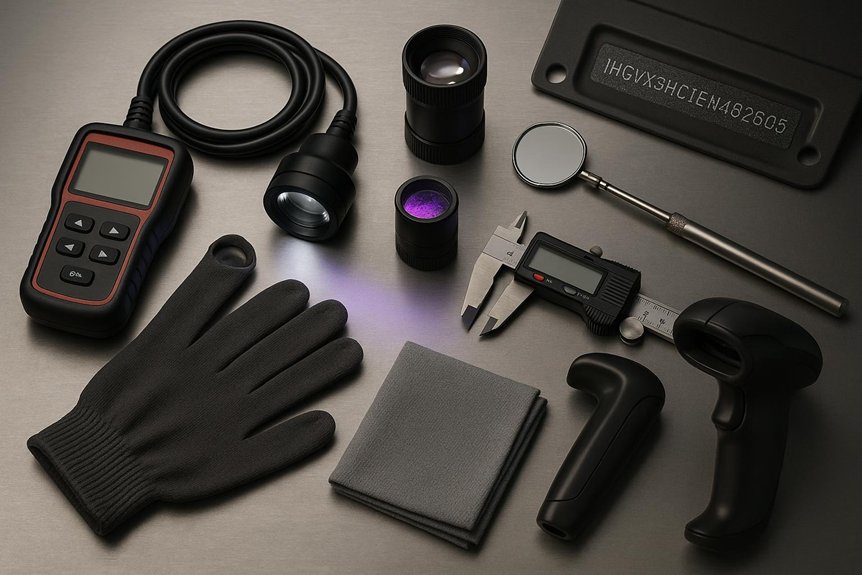
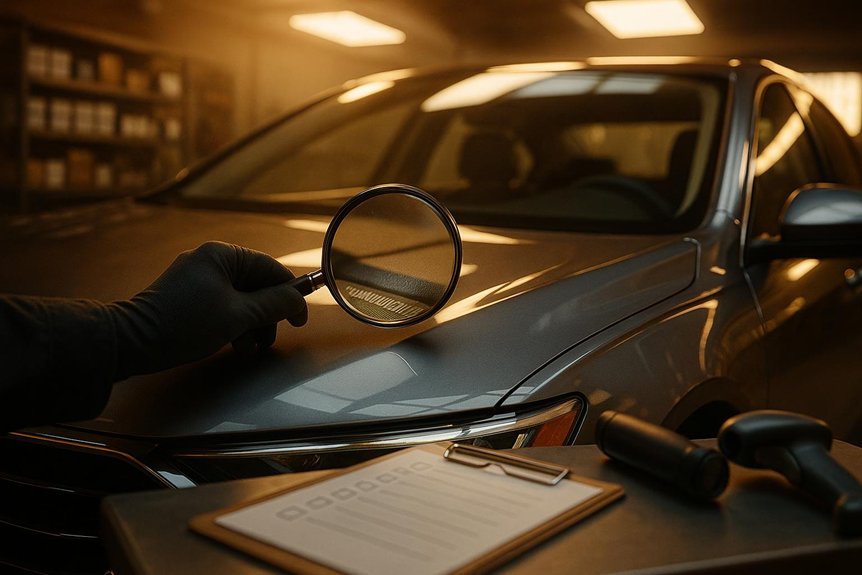
Usually, you’ll lean on a compact toolkit: a high-intensity LED flashlight for low-light VIN plates, a durable inspection mirror to reach tight spots, a UV/blacklight for anti-counterfeit inks, and a digital borescope for obstructed stampings.
You’ll also keep tamper-evident seals, a fine-tip paint marker, and lint-free wipes to prep surfaces without trace. Pack a millimeter ruler and calipers to confirm character size and spacing.
Carry a magnet and body filler gauge to flag hidden repairs. Add a clipboard with standardized forms, a date-stamped camera, and protective gloves. Modern services maintain a comprehensive VIN database to cross-reference the physical stamping against official records during verification. With these essentials, you’ll show up ready, aligned with best practice, and trusted.
How These Tools Work Together in the Field
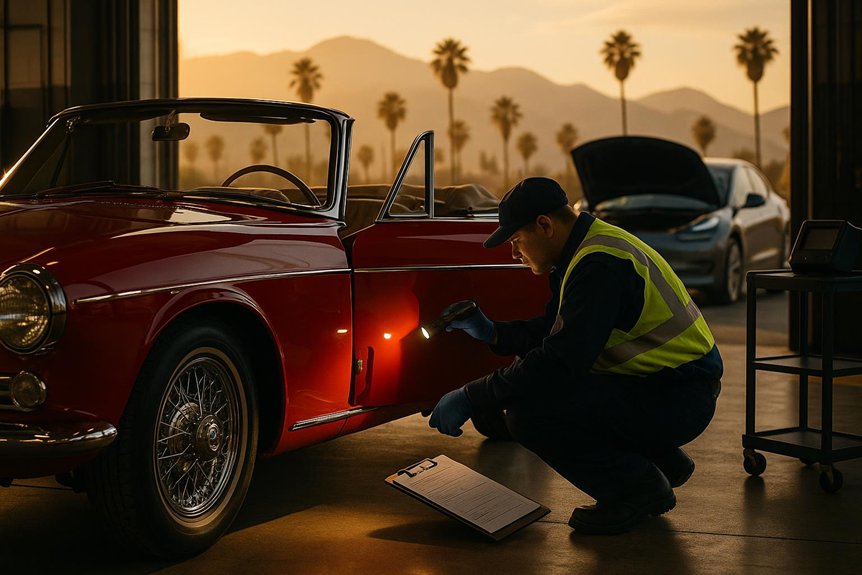
When you arrive on-site, the kit works as a coordinated sequence: the flashlight and mirror quickly locate plates and stampings, the borescope confirms hard-to-see characters, and the UV light checks security inks in seconds. You photograph each position, then the scanner pulls the VIN into your app, where you compare stamps, labels, and digital records.
Calipers verify rivet types; a magnet flags filler; a paint gauge spots panel swaps. You log anomalies with time-stamped notes, then capture signatures. Each tool hands off to the next, giving you rhythm and confidence. This systematic approach helps identify discrepancies in VIN records that might otherwise go unnoticed during a standard visual inspection. You leave knowing the vehicle’s story matches what your team trusts.
Selecting the Right Equipment for Your Workflow
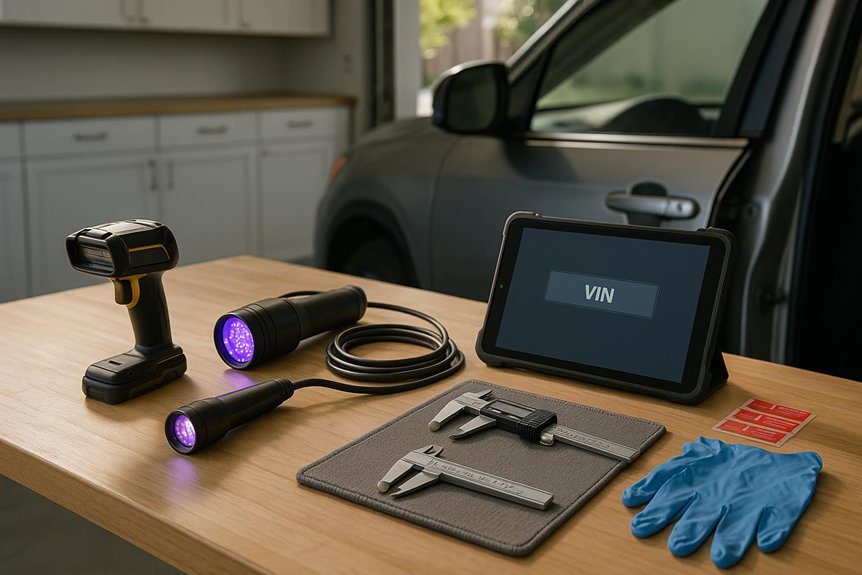
Before you add another tool to your kit, map your workflow from first contact to final report and buy only what speeds or strengthens each step. Start with core needs: reliable scanner, secure mobile app, clear camera, rugged light, and connectivity.
Match tools to your terrain—yards, garages, auctions, or roadside. Prioritize interoperability with your team’s platforms and your customers’ formats. Choose devices that capture clean VINs fast, even in glare, dirt, or tight spaces.
Favor gear with offline capability and quick data handoff. Standardize models across your crew to streamline spares and accessories. Let simplicity earn trust and keep momentum. Your documentation must align with the REG31/VIN verifier form to record vehicle year, make, model, and VIN accurately for DMV submission.
Training, Calibration, and Maintenance Best Practices
Even the best VIN tools fail without disciplined habits, so bake training, calibration, and upkeep into your routine from day one. Onboard teammates with hands-on demos, quick-reference guides, and shadow sessions so everyone scans, photographs, and inspects the same way.
Schedule calibration before shifts, after firmware updates, and when readings seem off. Use manufacturer targets, verify against a known-good sample, and log results.
Treat maintenance as shared pride. Clean lenses, ports, and screens daily. Rotate batteries, inspect cables, and replace worn pads or mounts.
Update software on a cadence. Store gear in padded cases, label kits, and assign ownership to keep standards strong together.
Compliance, Recordkeeping, and Data Security Considerations
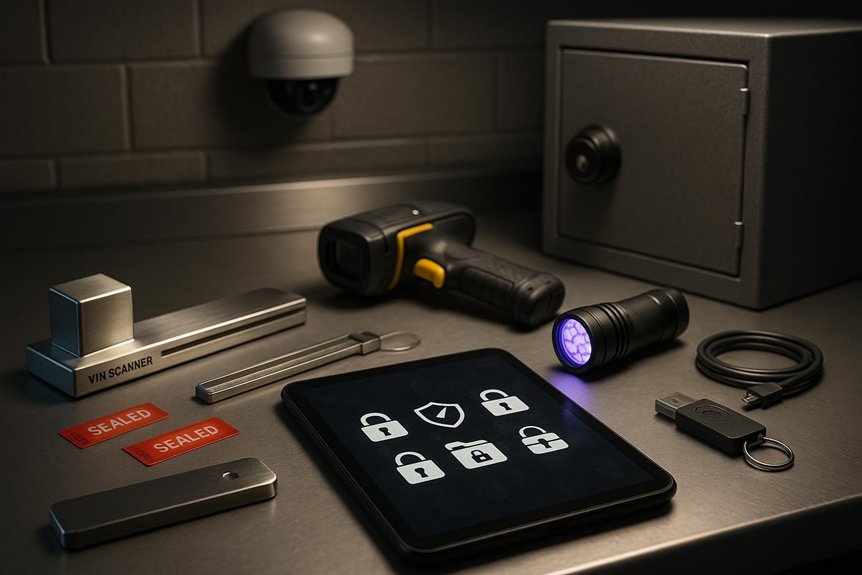
Although tools make verification fast, compliance keeps it defensible. You follow statutes, manufacturer guidance, and DMV policies so your work stands with the team’s. Standardize checklists, chain-of-custody logs, and timestamped photos tied to each scan. Capture only necessary fields, document exceptions, and note who verified what and when.
You store records securely, encrypt devices, and enable MFA on apps and portals. Rotate passwords, patch firmware, and segment networks for scanners and laptops. Purge data per retention rules; archive what regulations require. Audit regularly, fix gaps quickly, and brief coworkers. When you protect data and process, you protect everyone’s trust.
Frequently Asked Questions
What Budget Range Should Small Shops Expect for a Starter VIN Toolkit?
Expect to spend $500–$1,500 for a starter VIN toolkit. You’ll cover a rugged flashlight, inspection mirror, OBD-II scanner, basic documentation tools, and storage. Start small, upgrade as you grow—we’re all building together.
Are Subscription Software Fees Required for Decoding and Verification Updates?
Yes, most platforms charge subscription fees for decoding and verification updates. You’ll pay monthly or annually, gaining timely data, recall notices, and API access. Choose tiers that fit your shop’s volume so your team feels supported and connected.
How Do Weather Conditions Affect Outdoor VIN Verification Accuracy?
Weather can degrade accuracy: glare hides characters, rain muddies plates, dust obscures stamps, and cold stiffens hands. You adapt by shading surfaces, drying areas, cleaning gently, warming your grip, and photographing twice. Together, you’ll confirm digits confidently despite conditions.
Can Mobile Devices Replace Dedicated VIN Scanners Entirely?
No, not entirely. You can rely on modern phones for many VIN scans, but dedicated scanners still outperform in glare, low light, damaged labels, and bulk workflows. Blend both tools, stay consistent, and you’ll belong with pros.
What Warranties and Support Options Do Manufacturers Typically Offer?
You typically get 1–3 year limited warranties, optional extended coverage, and lifetime firmware updates. You’ll access phone, email, and chat support, self-service portals, and training. Some include advance replacements, calibration services, loaner units, and community forums for belonging.